

The payout on a $10 membership depends on the platform's revenue-share base and fee stack. YouTube publishes a 70% share of net commerce revenue. Patreon publishes a 10% platform fee and lists additional processing, currency conversion, payout fees, and applicable taxes.
Those percentages describe different calculations. A creator choosing a membership price needs the full path from customer payment to bank deposit.
youtube starts with net commerce revenue
YouTube says partners who accept the Commerce Product Module receive 70% of net revenue from channel memberships, Super Chat, Super Stickers, and Super Thanks. The same help page says transaction taxes such as sales tax, VAT, and GST are excluded from the partner revenue-share calculation.
The published formula is:
Creator share = net commerce revenue × 70%
A $10 tier does not establish the net-commerce base by itself. Taxes, refunds, and the terms inside the creator's agreement affect what reaches the 70% calculation. Use YouTube Analytics and the finalized AdSense statement to measure the actual net per member.
patreon publishes a fee stack
Patreon's pricing page lists a 10% platform fee on income earned through Patreon. It also names payment processing, currency conversion, payout fees, and applicable taxes.
The working formula is:
Creator payout = member payments − platform fee − processing − currency conversion − payout fees − taxes and adjustments
The exact result changes with payment size, payment method, member country, creator currency, refunds, and payout method. Use the platform statement instead of assuming the public platform percentage tells the full story.
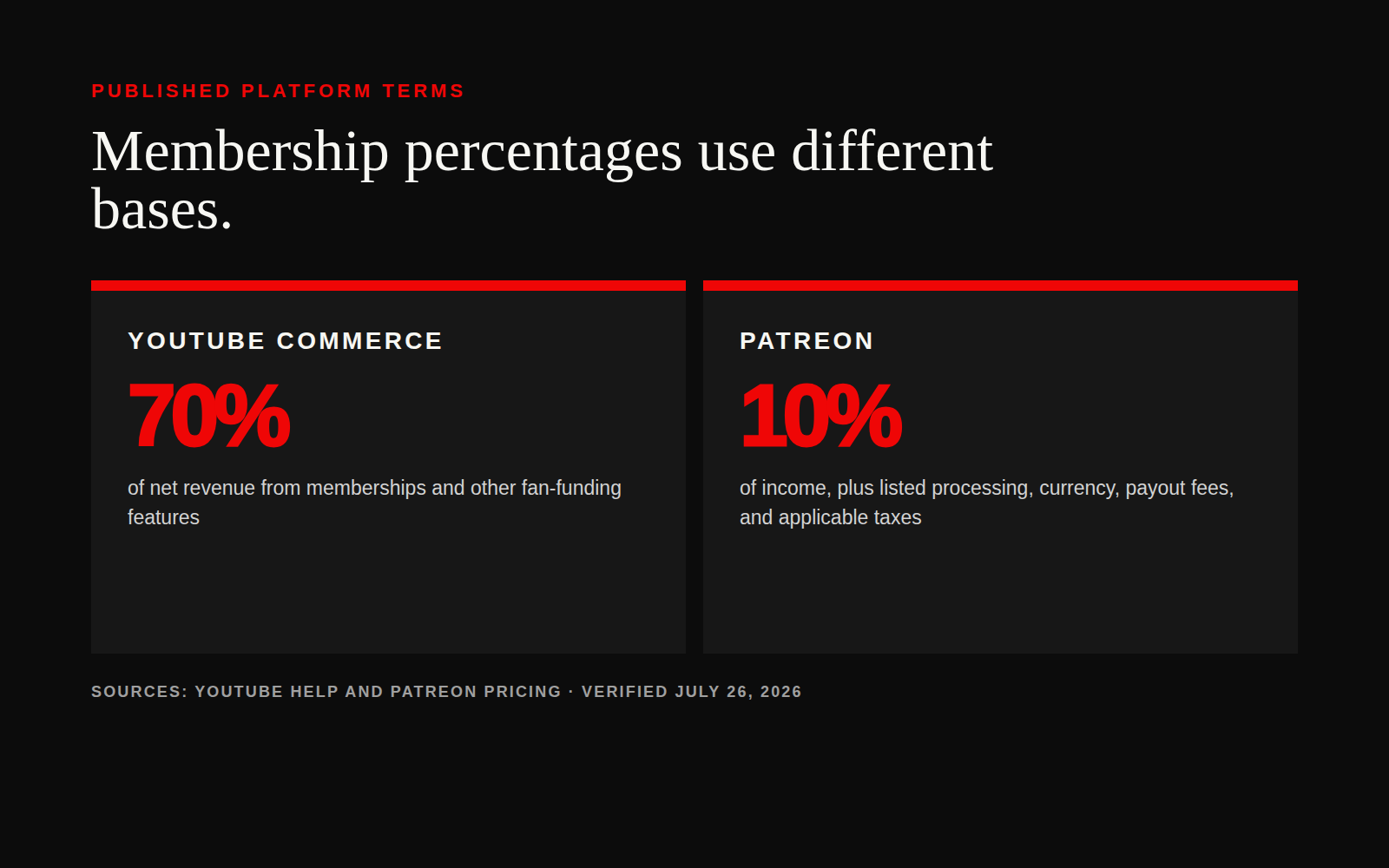
70% and 90% cannot be compared as mirror images
Patreon's 10% leaves 90% before the additional fees it names. YouTube's 70% applies to net commerce revenue. The bases differ, so a creator cannot rank the platforms by subtracting each headline percentage from 100.
Run the same model on each platform with six inputs:
- Sticker price.
- Active paying members.
- Refunds and failed payments.
- Platform share or platform fee.
- Processing, currency, and payout costs.
- Taxes collected or withheld.
Then divide the final deposit by active paying members. That number is the realized net revenue per member.
price backward from the work
Start with the monthly job the membership must fund. List production time, community moderation, member support, software, contractors, and the margin needed to keep the offer running. Divide that monthly target by the expected active members, then adjust for the platform's observed net percentage.
A creator who needs $4,000 a month from 400 active members needs $10 of net revenue per member. A $10 sticker price cannot produce that result after any platform or payment deductions. The offer needs a higher price, more members, lower delivery cost, or another revenue source.
This calculation is more useful than copying another creator's tier. Their audience mix, benefits, tax location, churn, and costs may be different.

watch the costs the platform does not remove
Platform fees cover platform services. The creator still carries the cost of making the member experience worth renewing. Video production, private feeds, live sessions, moderation, customer support, and contractor time belong in the model.
Track churn beside payout. A tier with strong first-month revenue and weak retention can consume more work than it funds. Record new members, cancellations, active members, gross payments, platform deductions, refunds, taxes, final payout, and hours spent delivering the benefits.
audit the payout every month
Create one row per platform and month:
month,platform,sticker_price,active_members,gross_payments,platform_fee_or_share,processing,currency,payout_fees,taxes,refunds,final_payout,net_per_member,delivery_hours
Compare the public pricing page with the statement from the same month. Flag any fee you cannot explain. Update the pricing model when the actual net per member changes.
sources
Use CBD's five-number creator finance check and creator ad-spend analysis to compare recurring revenue with brand income.
calculate the deposit
Enter the last statement, divide the payout by active members, and price the next month from that number.
Read the latest creator business guidesCreator Business Daily covers the business side of being a creator: earnings, deals, tools, and what's working now.